PhotomakerPhotomaker

AI Image Upscaler

Small file in, print-ready file out

4 free credits at signup — one Standard run, no card.

  • 1Upload the small or soft image in /create and pick crisp or creative
  • 2The upscaler enlarges it while rebuilding texture and clearing artifacts
  • 3Download the full-resolution file, ready for print or zoom
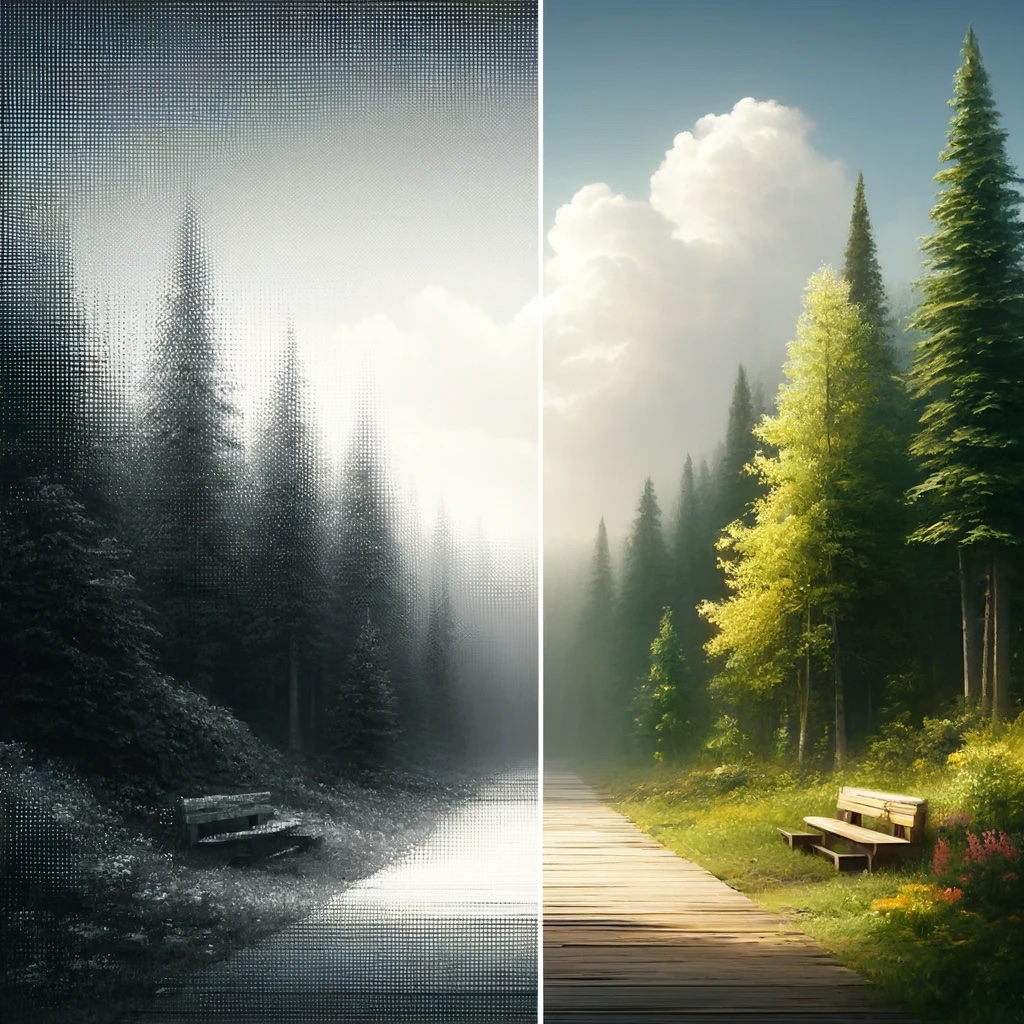
AI Image Upscaler — after editingAI Image Upscaler — before editing
BeforeAfter

Straight out of the studio — slide to compare.

Stretching pixels makes an image bigger; it never makes it better. What a thumbnail lacks is information, and information is what this remake supplies. The upscaler has studied how skin, fabric, lettering, and leaves look at full resolution, and it rebuilds those textures as it grows the file — scrubbing compression blocks and noise along the way.

Two modes match two intents. Crisp mode is the faithful one: it tightens edges and cleans artifacts without inventing content, the right call for faces, documents, and product photography where the pixels have to stay true. Creative mode lets the model dream up plausible fine texture, which can pull a wrecked thumbnail back into usable shape when fidelity matters less than looks.

Use it to take web images to the print shop, to blow up a favorite frame for the wall, or as the last stop after other remakes — upscale the finished edit, not the raw material. Credit cost scales with the output size you ask for, so modest enlargements stay cheap.

  • Feed the result straight into any other tool
  • Three quality tiers: Standard, Pro, Max
  • Every remake saves to your library automatically
  • Finish by upscaling for print or animating into video

Questions, answered

How is the credit cost worked out?

By output size: an upscale runs anywhere from 3 to 80 credits depending on the target megapixels. Ask for what the destination actually needs — a social post and a poster are very different asks.

Can I upscale images the other tools made?

Yes, and that is the intended order. Finish the remake — style, background, retouch — then enlarge the final version once. Upscaling first just makes every later edit slower and pricier.

Will it clean up a screen grab or a scanned page?

Both respond well. Compression blocks in screenshots and halftone fuzz in scans are the exact artifacts the rebuild clears. For torn or faded prints, run Photo Restoration first, then upscale the repaired result.

Which mode for a face I need to stay accurate?

Crisp, always. Creative mode invents texture, and invention is the wrong tool for identity. Enlarge in crisp mode and inspect the eyes and hairline before you rely on the result.

Is there a free way to use AI Image Upscaler?

Signing up gives you 4 credits on the house — one Standard-quality run of this tool. A Google account is all it takes; no card involved.

Your photo has another version in it.

Open AI Image Upscaler